Meet. Remember. Follow Up.
Capture contacts from LinkedIn QR codes, business cards, sync with your phone contacts, import from Google, and more — or add them in seconds with a quick capture form. Enrich profiles, remember where you met, set smart reminders, share your card back, and send personalized follow-ups, all from your phone.

See how Memento works in the moment
Mobile handles the fast parts of networking: capture, sharing, and follow-through while the web app remains your full relationship workspace.
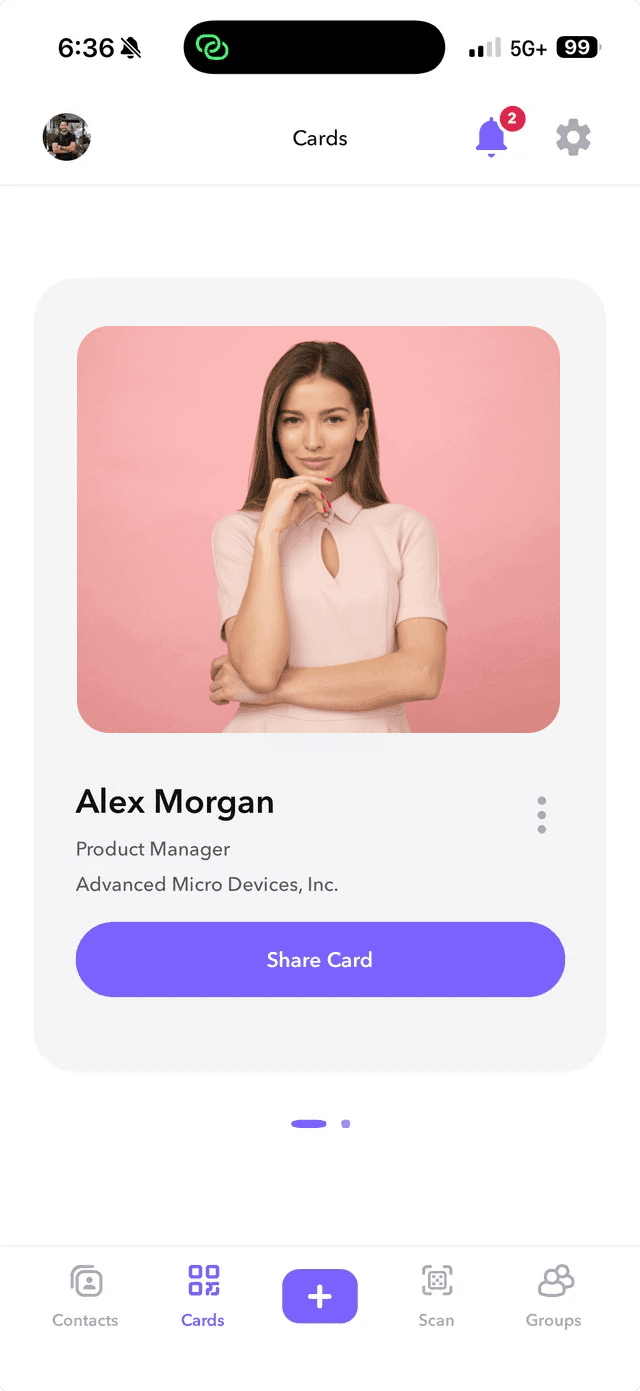
Capture anywhere
Add people from LinkedIn QR codes, business cards, quick forms, phone contacts, Google imports, and more.
Sync everything
Contacts, groups, notes, reminders, cards, and context stay shared between mobile and the web CRM.
Follow up with control
Choose manual review, automatic outbound email, or turn follow-up automation off for each flow.
The same relationship system, wherever connections happen
The mobile app carries the core Memento workflow into meetings, events, and day-to-day networking. Use web when you want the full workspace, and use mobile when speed matters.
Built for mobile capture
Scan paper cards or LinkedIn QR codes while the conversation is fresh.
Import phone contacts and keep mobile capture connected to Memento.
Save important contacts back to the device address book when needed.
Turn automatic outbound follow-up on or off, or keep it manual.
Shared with the web platform
Share your card by QR, link, or NFC where supported.
Organize people by relationship, source, event, or next step.
Keep follow-ups tied to the person they belong to.
Preserve where you met, what mattered, and why to follow up.
Turn introductions into meaningful next steps
Memento can send a follow-up email with your digital card and meeting context included. Let it send automatically, review it first, or turn it off anytime.
More ways the mobile app keeps your network current
Stay close to your contacts with fast capture, clean context, and mobile tools that keep your CRM useful after every meeting.
Groups and tags
Organize contacts by event, source, relationship type, priority, or custom labels.
Share groups and contacts
Send individual contacts or curated group lists as portable VCF files.
Bulk outreach
Reach a group by SMS or email when you need to follow up with a segment.
Contact exports
Export contacts to VCF, CSV, or both so your data stays portable.
Zapier automation
Send contacts into external workflows and connect Memento to the rest of your stack.
Smart notifications
Get in-app and email alerts for reminders, special dates, contact requests, and exports.
Contact request management
Request updated details, review submitted changes, and approve only the fields you want.
Relationship memory
Use notes, reminders, tags, linked contacts, and context to remember why each person matters.
Start with the mobile app and continue from the web app
Capture the lead in the moment, then use Memento to organize the relationship and follow through.